1. What “webtoon to video” means in practice
Searches for motion comic, comic panel animation and animated webtoon describe a similar production problem: preserve the artwork while adding controlled movement. A panel can become a breathing character, a slow camera push, moving hair, rain, light or a prop reaction. It does not need to become a fully acted live-action scene.
This distinction matters for an overseas short-drama team. A panel-by-panel workflow keeps character identity, reading order and localization under editorial control. It also lets the same picture sequence receive English, Spanish or Portuguese dialogue without regenerating the visual layer.
2. Prepare four assets before generation
| Asset | Purpose | Review |
|---|---|---|
| Character sheet | Face, hair, clothing, colors and props | Version every main character |
| Comic panel | First frame or reference image | Check text, hands and small objects |
| Shot list | Action, camera and end state | One primary action per task |
| Audio script | Dialogue, narration, SFX and captions | Keep language variants editable |
3. Turn panels into controllable shots
Number panels in reading order, then rewrite each one as a start state, one action and an end state. For example: the character looks through a rainy window; the phone lights up; the character raises their head. Do not ask one task to perform all three actions while also changing location, camera perspective and dialogue.
| Shot | Action | Suggested duration | End state |
|---|---|---|---|
| 01 | Character looks toward the window | 15 seconds | Face points right |
| 02 | Phone lights up; hand closes around it | 10–15 seconds | Phone rests at chest |
| 03 | Character raises their head; camera pushes in | 15 seconds | Eyes look off frame |
Use a short task for one reaction or limited animation. Consider 30 seconds only when the same scene must carry multiple connected stages. If the camera, cast or location changes, separate tasks usually give the editor more control.
4. Treat character consistency as asset management
“Keep the character consistent” is not a complete production specification. Copy the fixed character fields into every related prompt and change only the current action. Keep front and side references, costume variants, key props and a list of forbidden changes.
- Face: describe face shape, eye proportions, hair color and hairstyle.
- Costume: name the silhouette, colors, sleeves, buttons and distinctive details.
- Props: fix the count and hand position of phones, weapons, glasses or umbrellas.
- Background: reduce unrelated people and readable signage that may mutate.
5. Seedance 2.5 motion comic prompt template
Preserve the original comic-panel composition, face, clothing silhouette, line work and color palette.
The character blinks once and breathes subtly; hair tips and clothing edges move slightly.
Use an extremely slow camera push from a medium shot to a chest-up shot. No cut, no perspective change.
Rain and window reflections move gently while the face, hands, clothing and prop remain stable.
Do not add characters, speech bubbles, logos or readable text. Add dialogue and captions in editing.
Every instruction should be reviewable: did the character blink once, did the camera move, did the prop stay in the same hand? Replace abstract style words with one action and concrete constraints. For broader templates, see the Seedance 2.5 prompt guide.
6. Recompose for TikTok, Shorts and Reels
Most overseas short-form distribution is vertical, so create a 9:16 first frame instead of relying on a destructive crop. Keep the face and key prop inside the center safe area, and leave the lower section clean for captions and platform controls.
| Area | Use | Rule |
|---|---|---|
| Top 20% | Episode label or hook | Add text in post |
| Center 60% | Character and action | Protect face, hands and props |
| Bottom 20% | Captions and CTA | Keep important motion away |
The opening frame should show the character, conflict or visual change immediately. For hook testing, batch QA and 15/30-second selection, use the Seedance TikTok workflow.
7. Add dialogue and localization after generation
Small speech bubbles and dense panel text are fragile during motion. Let Seedance animate the character and environment, then add English subtitles, voice, sound effects, music and the final call to action in the editing layer. This also makes language versions cheaper to revise.
- Save each shot with episode, scene, shot and version IDs.
- Keep the dialogue script separate with timecodes and language variants.
- Approve the picture before recording or timing the voice.
- Check subtitle safe areas, audio sync and the first/last frame before export.
8. Measure cost per usable shot
A successful request is not automatically a publishable clip. Record the model, duration, input image, prompt version, task ID, creative approval and post-production time. If four 15-second tasks succeed but only two pass review, the useful-clip cost is based on two approved shots.
The current site directory uses fixed per-successful-request Seedance prices; final access and billing remain subject to activation confirmation and the control panel. Seedance is not in the default public model list, so contact WeChat GPT774 before integration. Do not interpret a pre-activation 401 as a prompt failure.
9. Frequently asked questions
Can Seedance turn a full webtoon page into one finished episode?
It is safer to split the page into panels and shots, then combine motion, dialogue and captions in editing.
Does a motion comic require 30 seconds?
No. Use shorter shots for a single expression, limited animation or a camera push. Consider 30 seconds only for connected stages in one scene.
Are the images on this page Seedance outputs?
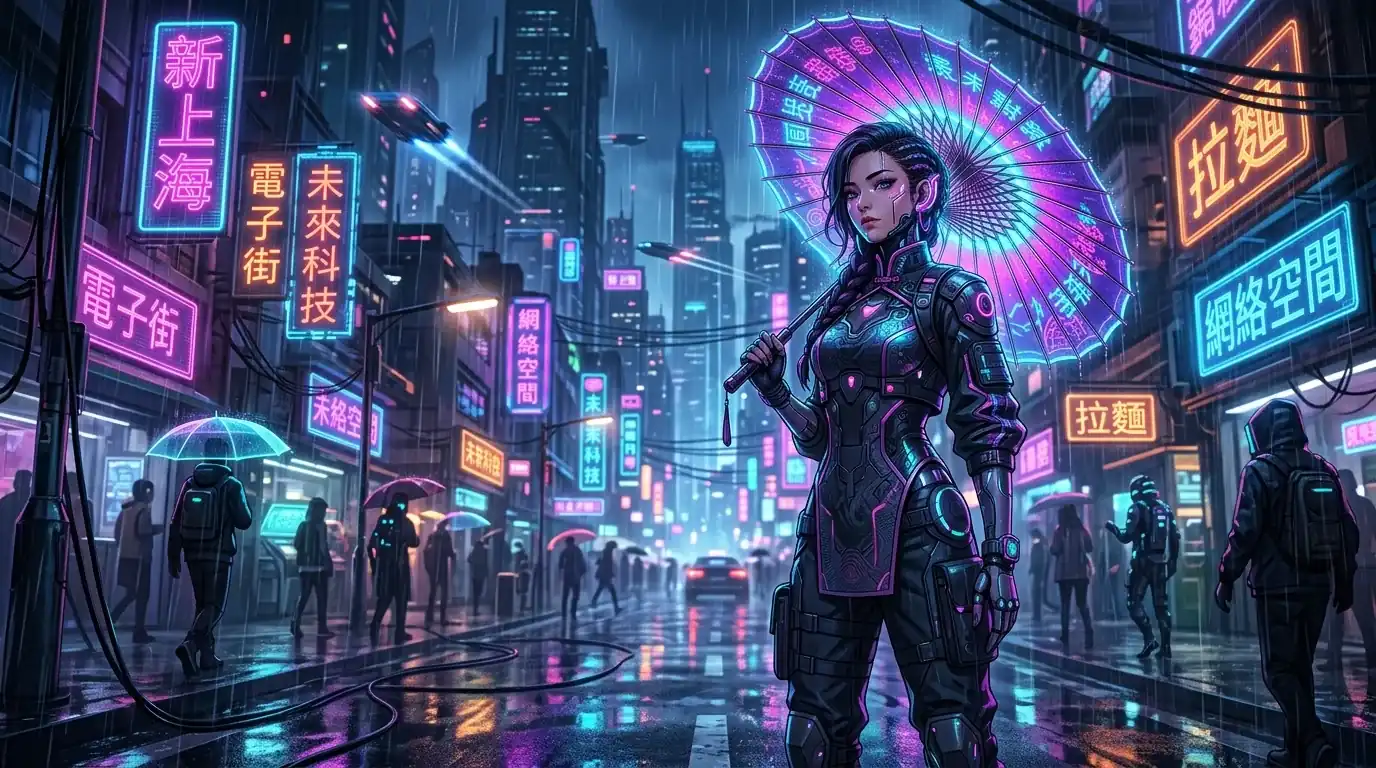
No. They are public site images used as reference and first-frame examples. This page does not claim a Seedance quality or success-rate benchmark.
How do I activate Seedance?
Seedance is not in the current default public model list. Contact WeChat GPT774 to confirm model IDs, permissions, durations and current pricing.
Reviewed September 21, 2026. This is a reusable production and QA framework, not a guaranteed output result.